Focus timer for Raycast
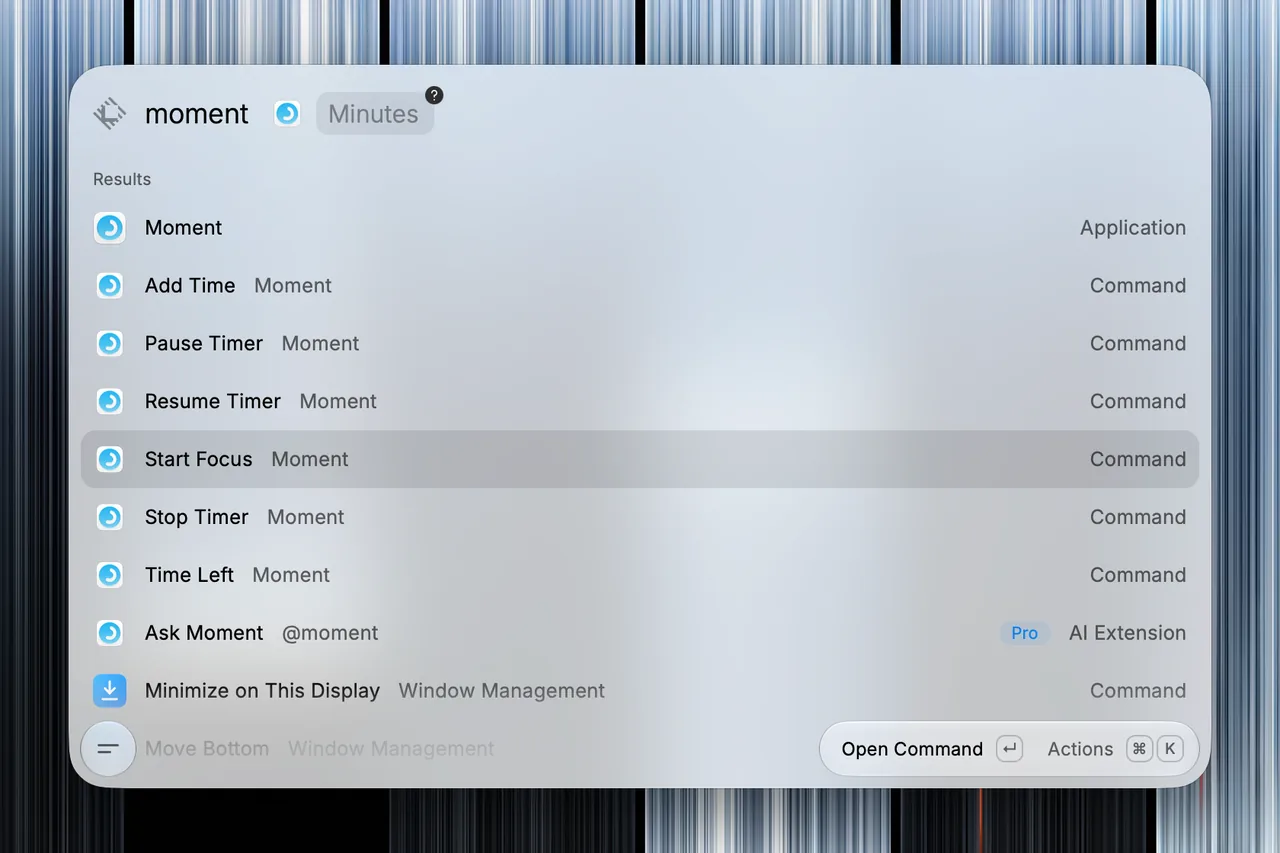
Moment's extension for Raycast runs the timer in Moment for Mac from Raycast. It starts a focus session, pauses and resumes it, adds time, stops it and shows how long is left, and Raycast AI can do the same.
Requirements
- Moment for Mac. The extension needs Moment 2.2 or later, from the Mac App Store or from Setapp. With an older version, it shows a message to update Moment.
- Raycast. The extension runs in Raycast, on the same Mac as Moment.
- Permission to control Moment. The first time a command reaches Moment, macOS asks whether Raycast may control it, and you choose Allow. It asks once for each copy of Moment, and the setting is in System Settings › Privacy & Security › Automation › Raycast › Moment.
The Mac menu bar guide describes Moment on the Mac.
Installation
The extension is in the Raycast Store, where it is called Moment. You can install it from its page in the Store, or from the Store command in Raycast.
Commands
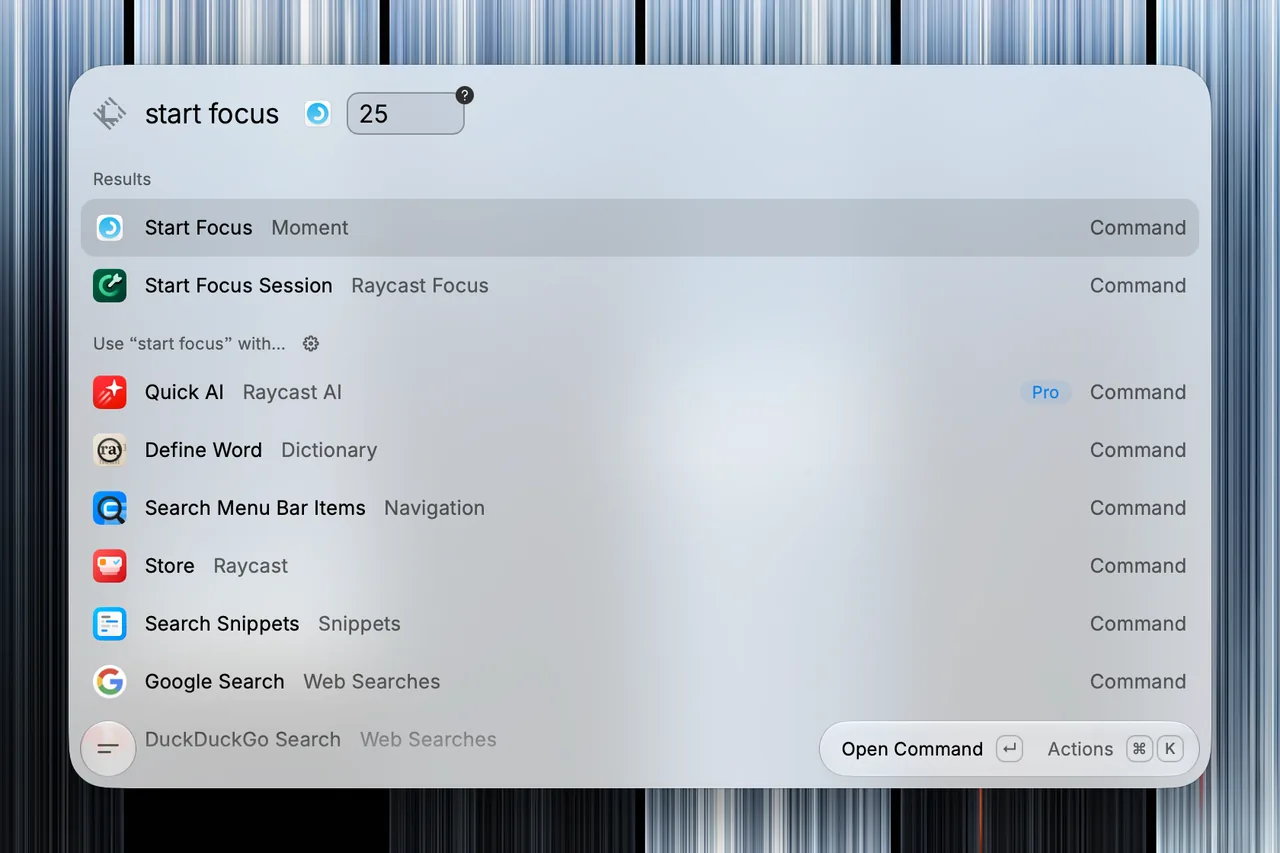
- Start Focus starts a focus session.
- Pause Timer pauses the focus session or break.
- Resume Timer resumes the paused focus session or break.
- Add Time adds minutes to the focus session or break.
- Stop Timer ends the focus session or break.
- Time Left shows how long is left in the focus session or break.
Start Focus and Add Time take an optional number of whole minutes, from 1 to 90. Without one, Start Focus uses the length set in Moment, and Add Time adds 5 minutes. A session runs for 90 minutes at most.
Start Focus doesn't replace a focus session or break in progress. Its message names what is running and how long is left.
Raycast AI
In Raycast AI, mention @moment to start a focus session, to pause, resume, add time to or stop the one in progress, or to ask how long is left. Raycast asks you to confirm before it starts, pauses, resumes, adds time to or stops a session.
Raycast AI needs a Raycast Pro plan.
AppleScript
The extension works through AppleScript, which Moment for Mac answers from version 2.2.
Raycast sends each command to Moment on your Mac, and Moment replies with the state of its timer. This is why macOS asks for your permission for Raycast to control Moment.
Privacy
Raycast and Raycast AI receive only the timer in progress: whether a focus session or break is running or paused, the time left and the session's length.
They never receive an intention, Stats, feelings or past sessions. Raycast AI sends the extension's answers to its AI provider.

Moment for Mac
The timer is free in your menu bar, and your sessions sync with Moment on your other devices.

