Press
Most apps for focused work are built to get more out of you, and they measure success by how much comes out. Moment is built around how it feels to focus and how you feel afterwards. We believe deep work is closer to wellbeing than it is to productivity.
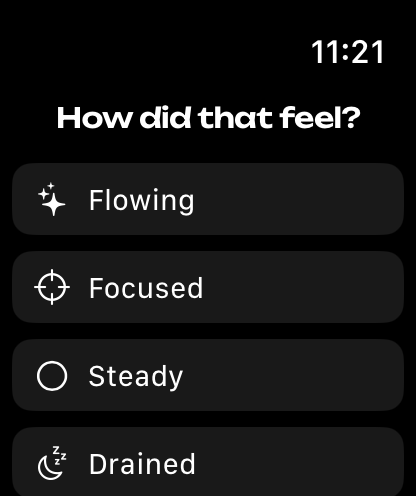
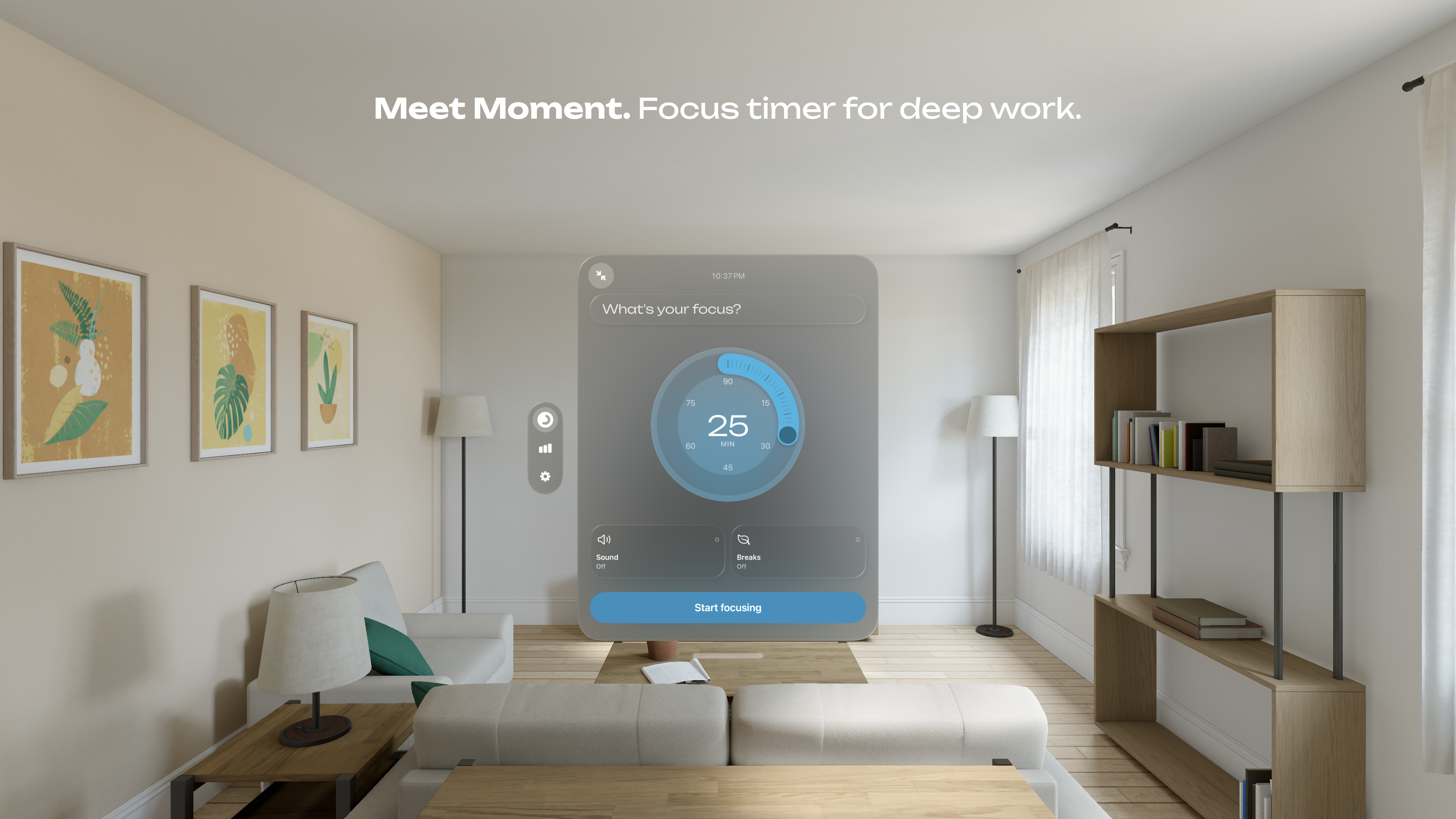
The app works on a simple loop: Focus → Reflect → Insight. You can set an intention for each focus session, or pick one of your recent ones. When the session ends, you mark how it felt on a scale from scattered to flowing. Over time, Moment Pro finds the patterns between what you worked on, when you worked on it and how it felt. The insights are written on your device, by Apple Intelligence where it is available.
The timer, breaks, sounds and reflections are free. There are no ads or limits, and no addictive design patterns such as streaks.
Story
In 2019 I suffered from burnout. As soon as I felt a little better, I went looking for ways to get back to intense work, and I found the usual ones: Getting Things Done, habit tracking, a second brain and other knowledge management systems. They worked, in the sense that they helped me get things done, but they didn't help me recover. With Moment, I'm building what I wish I'd had at the time: a tool that is careful with your energy and treats deep focus with the respect it deserves.
— Milosz Falinski, founder of Lumi
App icon
Click an image on this page to save the full-size file. Dragging an image out, or using Save Image, gives the version shown on the page.

Dark
Screenshots
iPhone
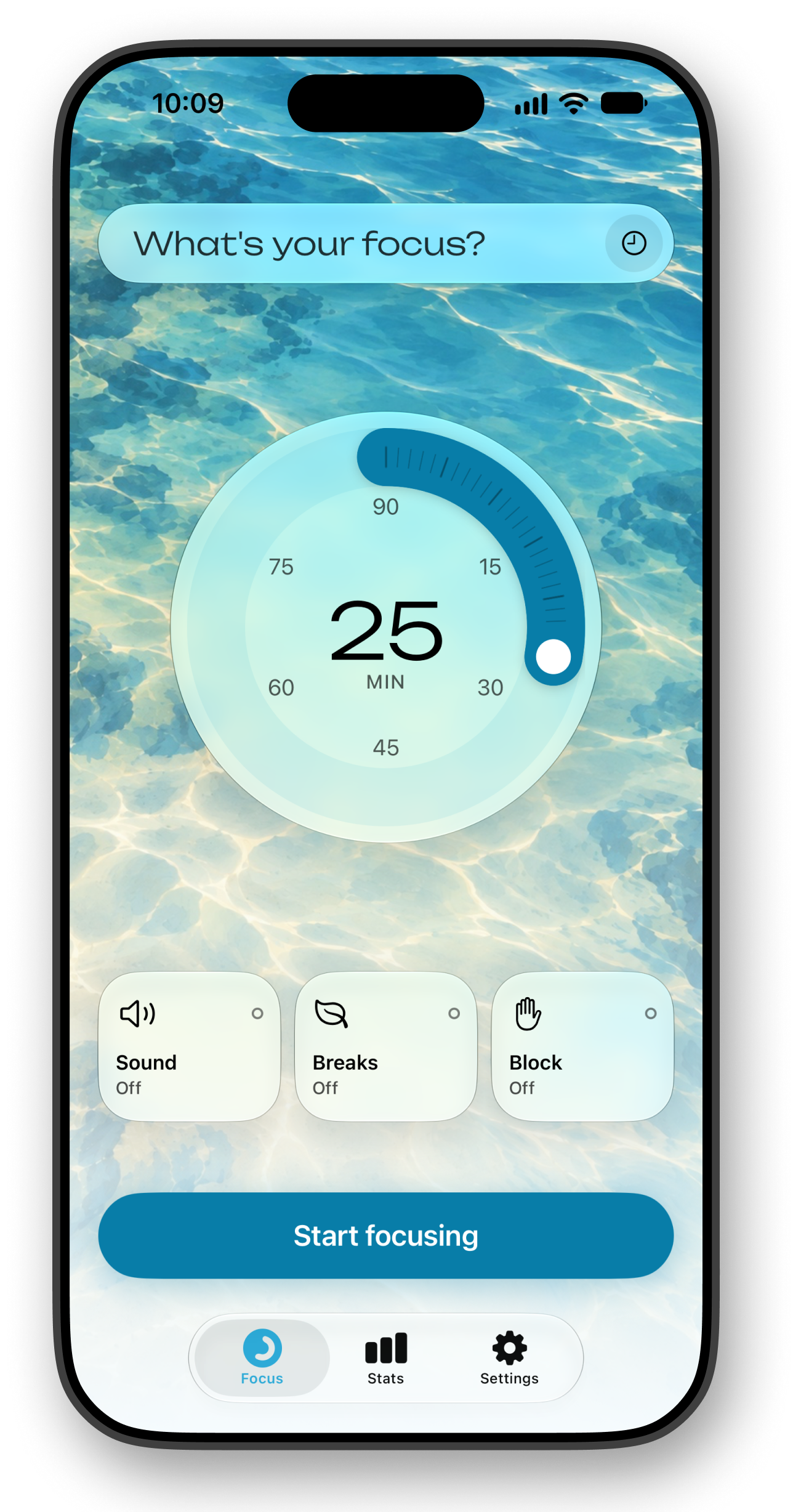
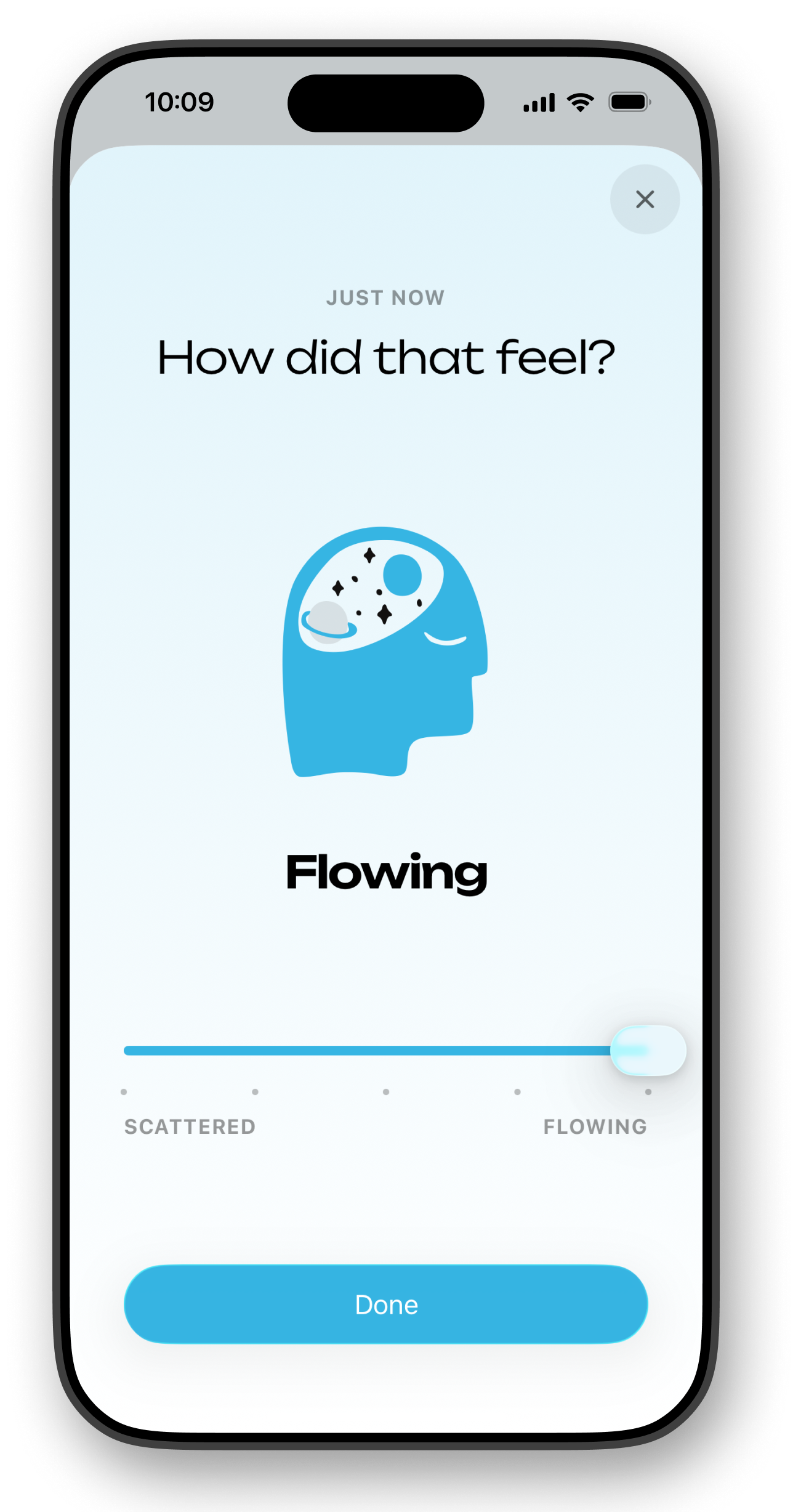
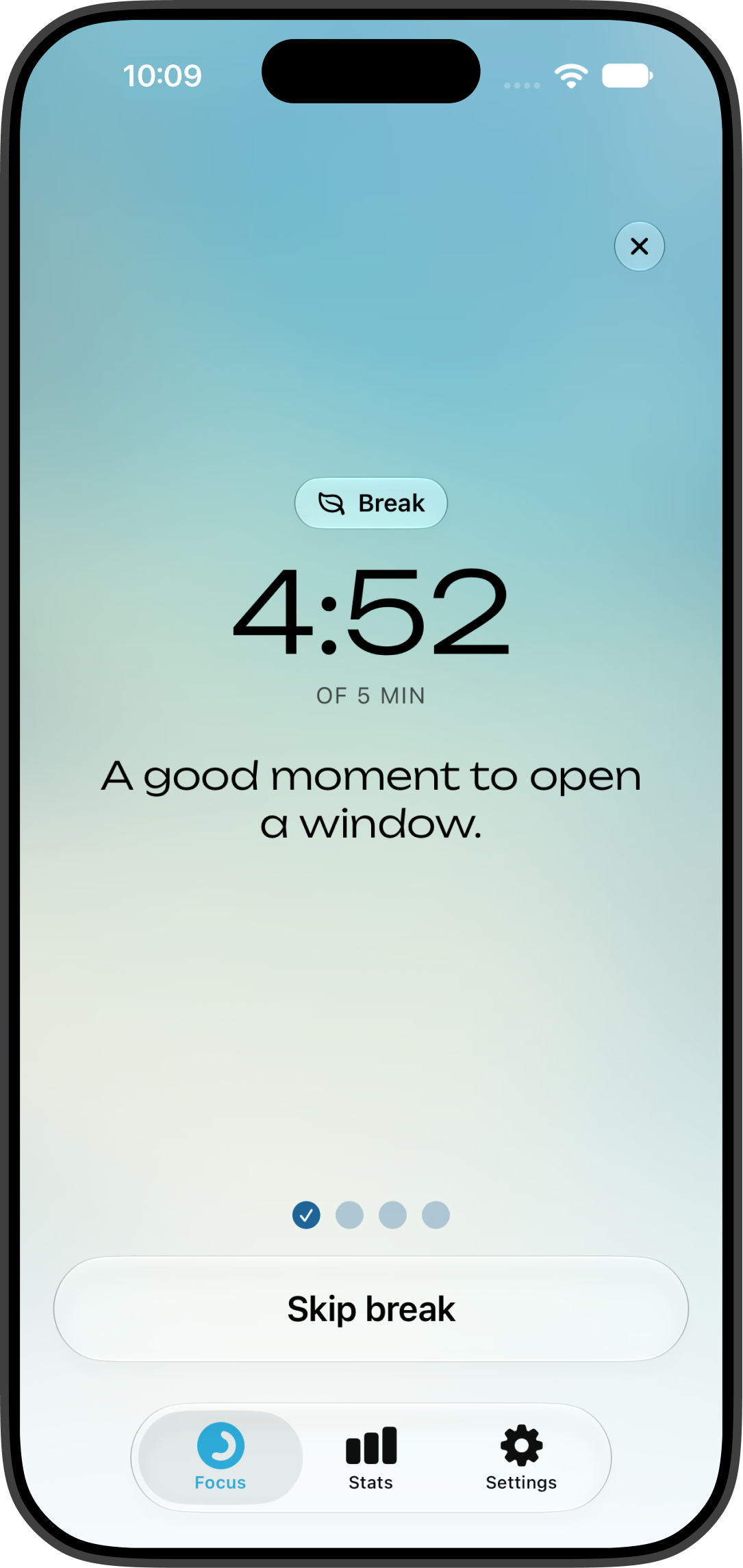
iPad
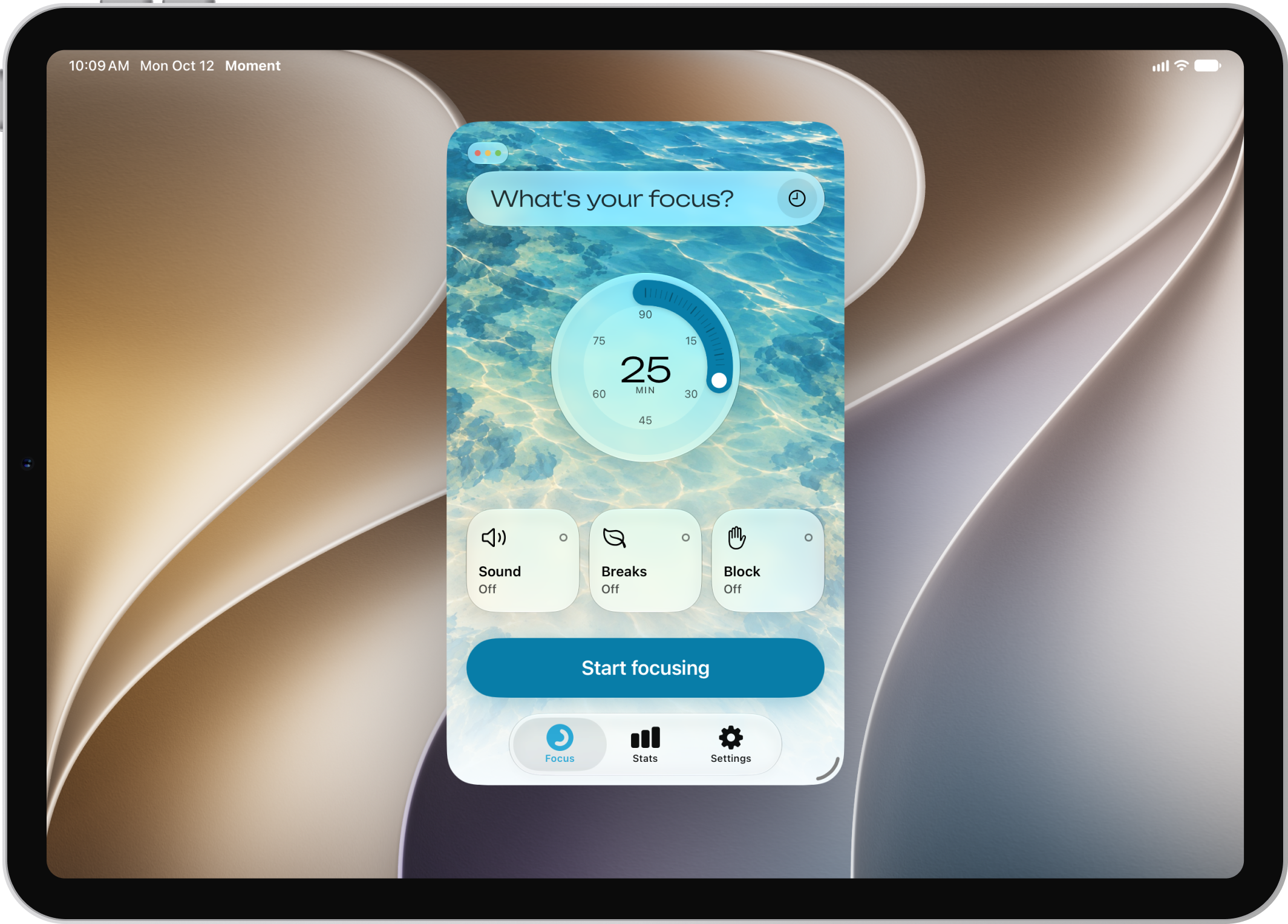
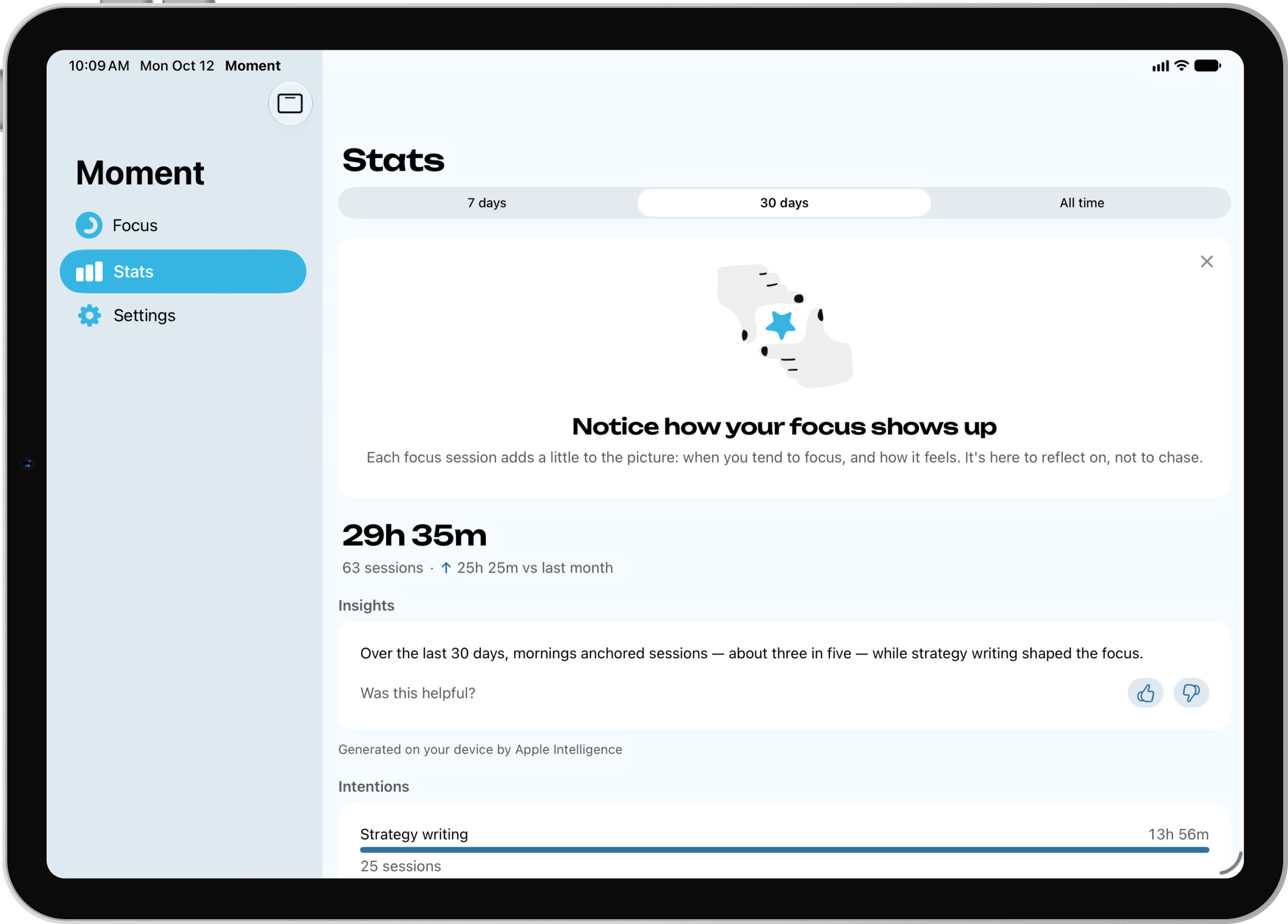
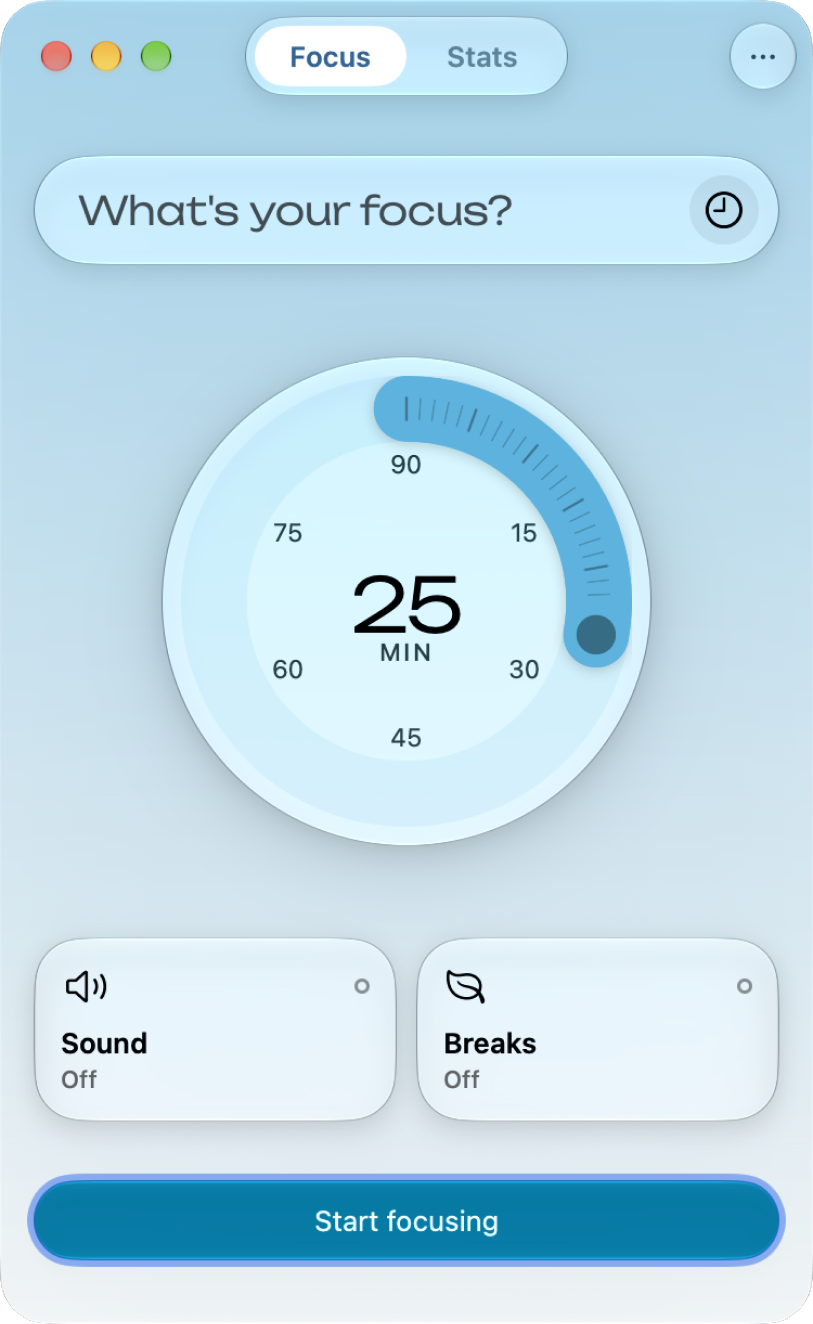
Mac
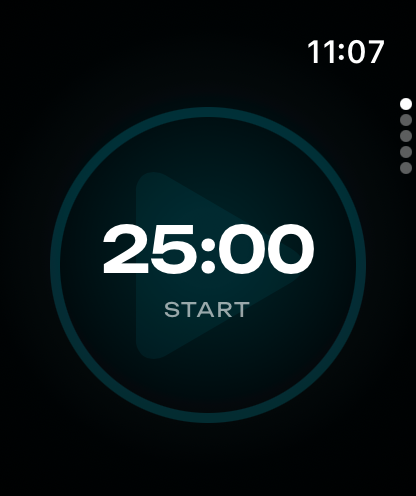
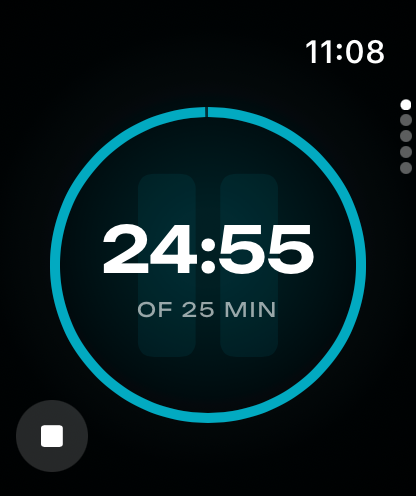
Apple Watch
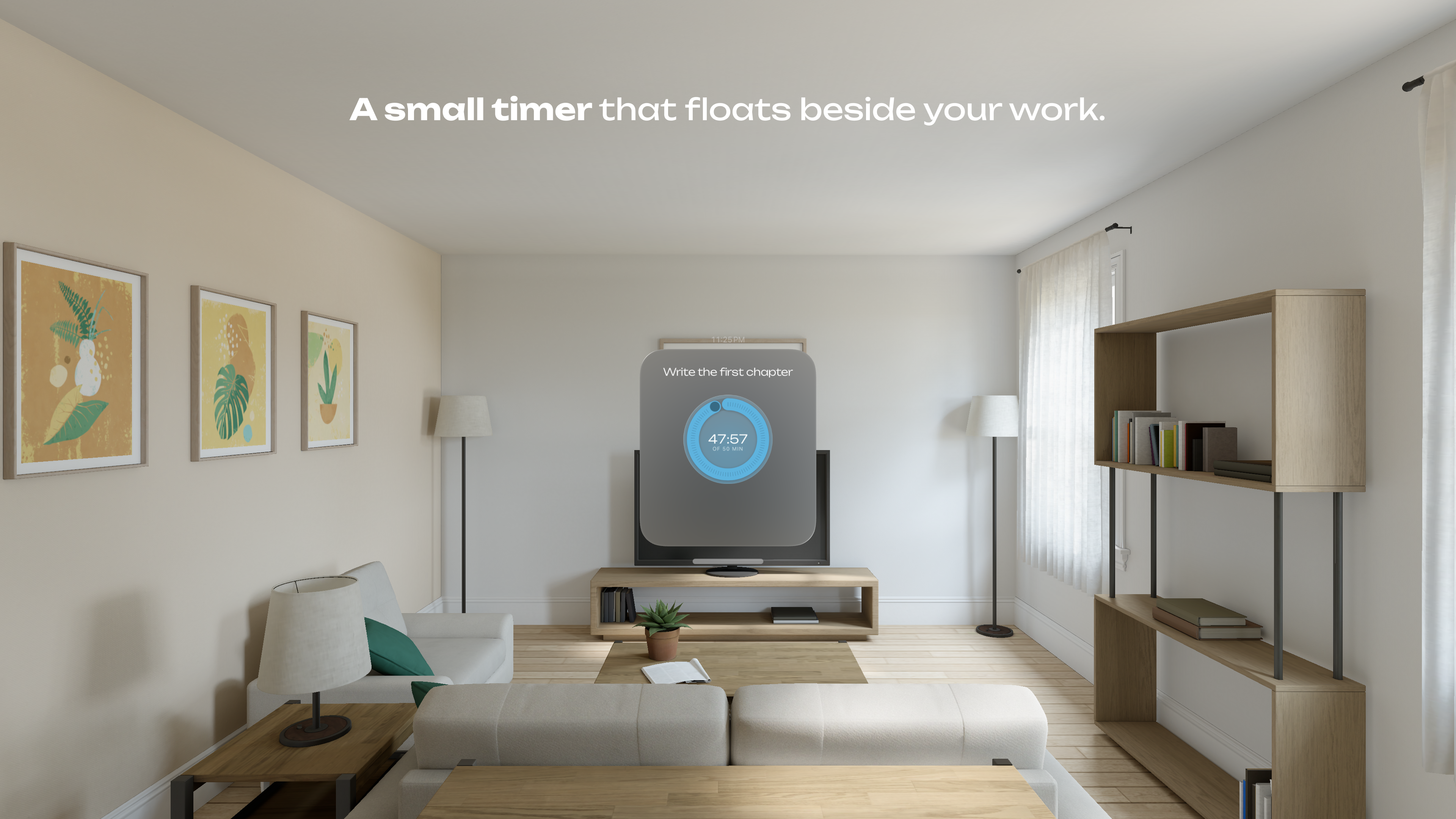
Vision Pro
Facts
- Name
- Moment - Focus Timer
- Maker
- Milosz Falinski, one person, at Lumi Studio
- Previously
- Paws for Trello, bought by Atlassian, now Trello Desktop
- Platforms
- iPhone, iPad, Mac, Apple Watch, Vision Pro
- Requires
- iOS and iPadOS 18 · macOS 15 · watchOS 11 · visionOS 26
- Price
- Free · Pro $2.99 a month, $19.99 a year, $39.99 once
- Insights
- Pro · on device, by Apple Intelligence where available
- Privacy
- No accounts, no analytics, no ads
- Accessibility
- Nutrition Labels on all five devices
- Languages
- 15
- Released
- April 2023 · 2.0 July 2026 · 2.1 October 2026, What's new
- Inspired by
- Slow Productivity, Flow, Four Thousand Weeks
- App Store
- Moment on the App Store
- Contact
- hi@momenttimer.com
Reviewing Moment
- Moment Pro. Write to hi@momenttimer.com for a code that unlocks Moment Pro for your review. Insights need Pro, and the ones written by Apple Intelligence also need a device running iOS 26, iPadOS 26, macOS 26 or visionOS 26 or later with Apple Intelligence on.
- The next version. TestFlight builds of the next version are available on request.
- Demo sessions. Insights need at least five rated sessions, so Moment can add about 75 demo sessions spread over the last two months. Read the next section before you use them.
Demo sessions
On iPhone, iPad and Mac (not on Apple Watch or Vision Pro):
- To add them, open
moment://review-mode/seed, for example by typing it into Safari's address bar, and confirm. You can also tap or click the version line on Moment's About screen, in Settings, five times within two seconds and choose Add demo sessions. The demo sessions are added alongside any sessions already there, and they sync to your other devices through iCloud. - To remove them, open
moment://review-mode/clearand confirm, or choose Clear all sessions from the same menu. This deletes every session on the account, the demo ones and your own, and resets Moment to its first launch; your theme and settings are kept. The deletion syncs to every device signed in to that iCloud account.
There is no way to remove only the demo sessions. The order matters: try the demo sessions first, clear them, then use Moment for your own work. If you add demo sessions after you have sessions of your own, clearing deletes both.
Contact
Write to hi@momenttimer.com for a code for Moment Pro, a TestFlight build of the next version or a question about the app.
The Moment name, the app icon and these screenshots may be used unaltered in good-faith coverage of the app.